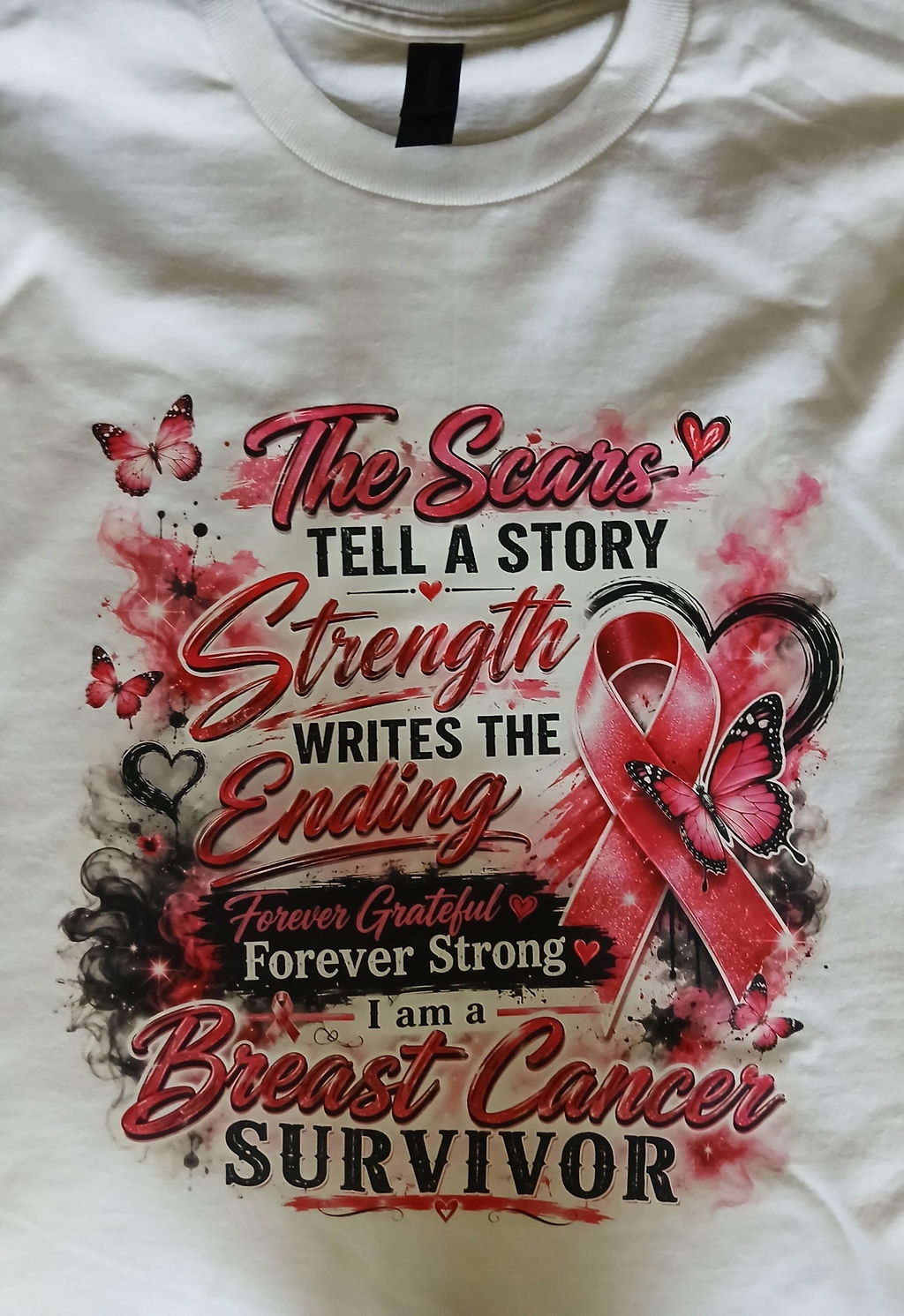
DTF Transfers By Size
How to Place DTF By Size Order Uploading Individual Designs
* Upload your design
* Review and make the necessary adjustments in the pop-up window
* To upload another design, click "Uploads" and follow the same steps as above
* Add any notes/instructions regarding your order
* View Cart - Check Out
* For a high-quality print-out, your design should be correctly sized at 300 DPI resolution and any unwanted backgrounds should be removed.
* File types: PNG, SVG, AI, EPS, PSD, PDF, JPG, JPEG
Shipping calculated at checkout
DTF Transfers By Size let you order individual transfer designs according to the dimensions needed for your apparel project. Choosing the transfer size around the intended garment and placement helps keep artwork proportions consistent and makes production easier to organize.
This option is useful when you already know the individual designs you need and want to upload them separately rather than preparing a complete gang sheet.
Choose the Transfer Size for Your Design
Start by measuring the area where the transfer will be applied. The appropriate dimensions depend on the garment, placement, artwork proportions, and the visual result you want to achieve.
Before ordering, consider:
- The usable width and height of the placement area
- The final dimensions of the artwork
- Whether the design will be used on the front, back, sleeve, or another garment area
- Whether the same artwork is needed at more than one size
- The quantity required for each version
If one design will be used at several dimensions, organize each size as a separate production requirement before uploading the artwork.
Prepare Your Artwork Before Uploading
Review the design before submitting it for production. DTF Transfer Ohio recommends correctly sized artwork at 300 DPI with unwanted backgrounds removed for a high-quality print file. The product page accepts PNG, SVG, AI, EPS, PSD, PDF, JPG, and JPEG files.
Before uploading, check:
- Spelling, names, and numbers
- Final artwork dimensions
- Design orientation
- Background removal where required
- The correct artwork version
How to Order DTF Transfers By Size
The ordering workflow is built around uploading individual artwork files. After uploading your design, you can review and make adjustments in the product interface before completing the order.
- Upload your design.
- Review the artwork in the upload interface.
- Make any necessary adjustments.
- Add another design if your order requires additional artwork.
- Add order notes or instructions when needed.
- Review the cart and complete checkout.
When to Use Individual Transfers Instead of a Gang Sheet
Ordering by size works well when each design needs to be handled as an individual transfer. If your project includes several graphics that you want to arrange together on a larger sheet, DTF Gang Sheets provide an alternative ordering format.
The better option depends on how many designs you have, the dimensions required, and how you want to organize the transfers before pressing.
Build a Gang Sheet When You Need More Layout Control
If you want to arrange multiple graphics yourself before ordering, the DTF Gang Sheet Builder provides another workflow for creating a sheet layout around multiple designs.
Use the ordering format that best matches the way your artwork is already prepared. Individual transfers are better suited to separately uploaded designs, while gang sheet workflows are more appropriate when several graphics need to be organized together.
Planning Larger or Repeat Orders
If your project involves larger quantities or recurring apparel production, organize each design by artwork version, dimensions, and quantity before submitting the order.
You can also explore Wholesale DTF Transfers when the project is built around broader bulk or repeat production requirements.
Check Your Order Before Checkout
Before completing the order, verify that the uploaded artwork, required dimensions, quantities, and any production notes match the project you intend to produce.
Clear artwork preparation and accurate sizing provide a stronger starting point for individual DTF transfer orders and help keep apparel production organized from upload through application.